
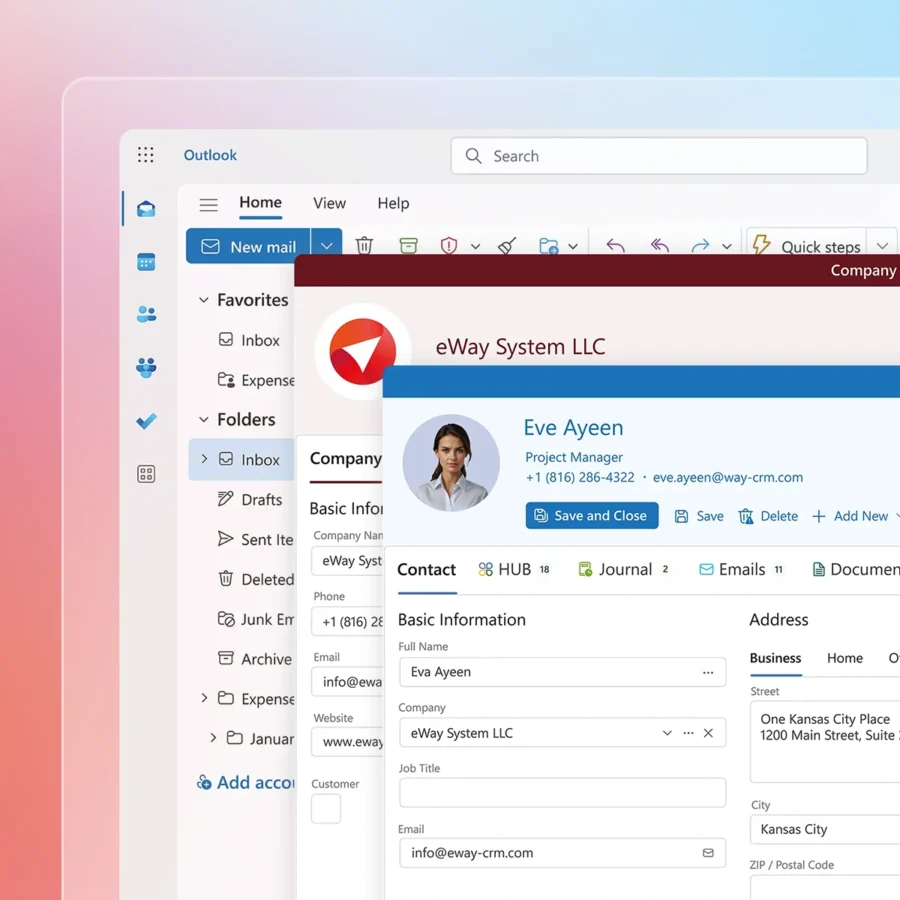
Customer Relationship Management (CRM) software helps businesses manage interactions with clients. Integrating CRM with Outlook can streamline your email and customer management tasks.
Choosing the right CRM software for Outlook can be challenging. Many options promise to enhance your productivity. But how do you know which one is the best? In this blog, we will explore the top CRM software for Outlook. We aim to help you find the perfect tool for your business needs.
Stay tuned to learn about features, benefits, and tips for selecting the best CRM software. Let’s get started!
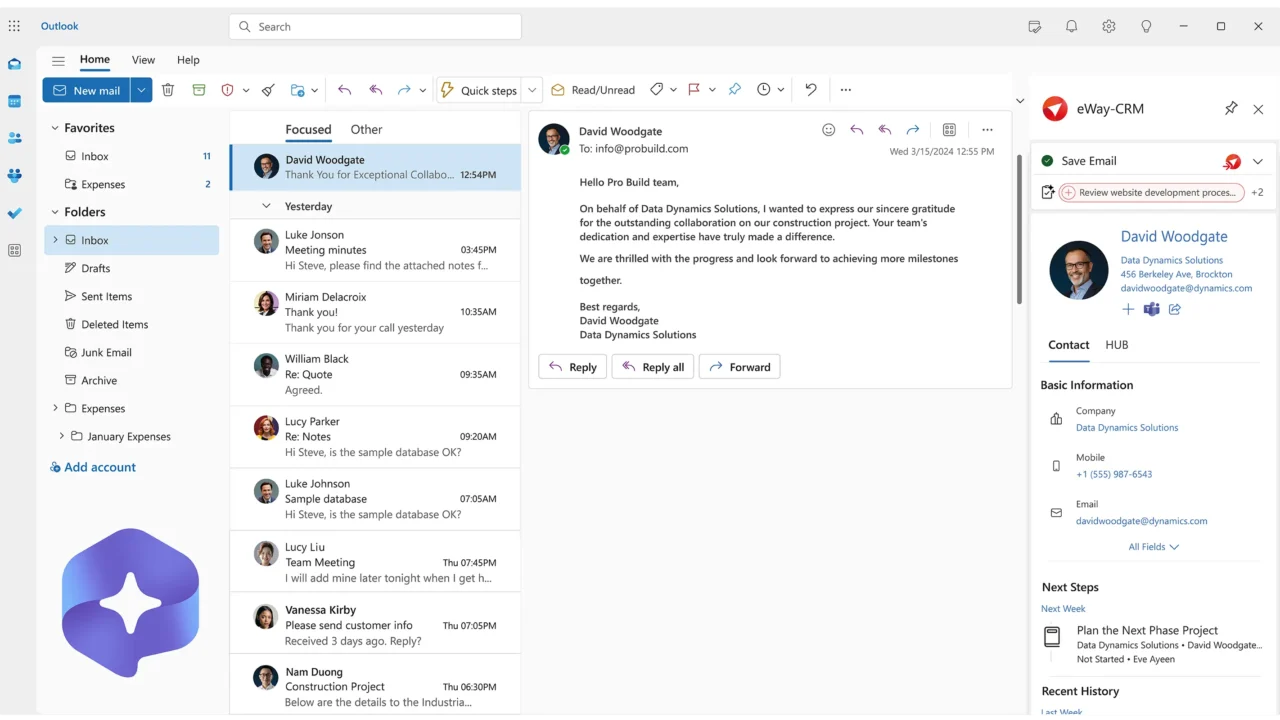
Credit: www.eway-crm.com
Introduction To Crm For Outlook
Customer Relationship Management (CRM) software helps businesses manage interactions. It also helps track customer data. Integrating CRM with Outlook enhances efficiency. This combination creates a powerful tool for communication and management.
Outlook is widely used for emails and calendar management. Integrating CRM with Outlook makes it more versatile. It helps keep all customer information in one place. This saves time and reduces errors.
Importance Of Crm Integration
CRM integration is crucial for businesses. It streamlines processes and improves workflow. With CRM integration, data is easily accessible. Teams can collaborate better. It eliminates the need for multiple tools.
Integrating CRM with Outlook adds more value. It ensures that all emails and meetings are tracked. Customer information is always up-to-date. This leads to better customer service. It also helps in making informed decisions.
Benefits Of Crm With Outlook
Combining CRM with Outlook has many benefits. One key benefit is improved communication. All emails and interactions are recorded. This helps in maintaining a clear history.
Another benefit is better time management. Tasks and appointments are synced. This ensures nothing is missed. It also reduces double-booking.
CRM with Outlook enhances customer relationships. Personalized emails can be sent easily. Follow-ups are timely. This improves customer satisfaction.
Finally, it boosts productivity. Teams spend less time switching between tools. All needed information is in one place. This increases efficiency.
Top Features To Look For In Crm Software
Choosing the best CRM software for Outlook can improve your business productivity. CRM tools help manage customer interactions and streamline workflows. But what features should you prioritize? Let’s explore the top features to look for in CRM software.
Email Integration
Email integration is essential for CRM software. It allows you to manage emails within the CRM system. You can track email conversations and link them to specific contacts. This makes communication more efficient. You won’t need to switch between your email client and CRM.
Task Management
Task management helps keep your team on track. CRM software with this feature lets you create, assign, and monitor tasks. You can set deadlines and priorities. This ensures that important tasks are completed on time. It also improves collaboration among team members.
Contact Management
Contact management is the core of any CRM software. It stores all customer information in one place. You can easily access contact details, interaction history, and notes. This feature helps you build stronger relationships with your customers. It also ensures that no important details are lost.
Top Crm Software Options
Choosing the best CRM software for Outlook can greatly improve your business processes. It helps manage customer interactions and streamlines your workflow. Here are some top CRM software options that integrate well with Outlook.
Salesforce
Salesforce is a popular CRM software that integrates seamlessly with Outlook. It offers advanced features for sales, service, and marketing. Users can track emails, manage contacts, and schedule meetings directly within Outlook. Salesforce helps in improving productivity and customer relationships.
Hubspot Crm
HubSpot CRM is another excellent choice for Outlook integration. It is user-friendly and offers a free version with essential features. You can track email interactions, manage contacts, and set reminders. HubSpot CRM also provides insights into customer activities and helps in organizing sales pipelines.
Zoho Crm
Zoho CRM is known for its robust integration with Outlook. It helps in managing customer data and automating workflows. Users can sync emails, contacts, and calendar events easily. Zoho CRM offers customizable dashboards and reports, making it ideal for businesses of all sizes.
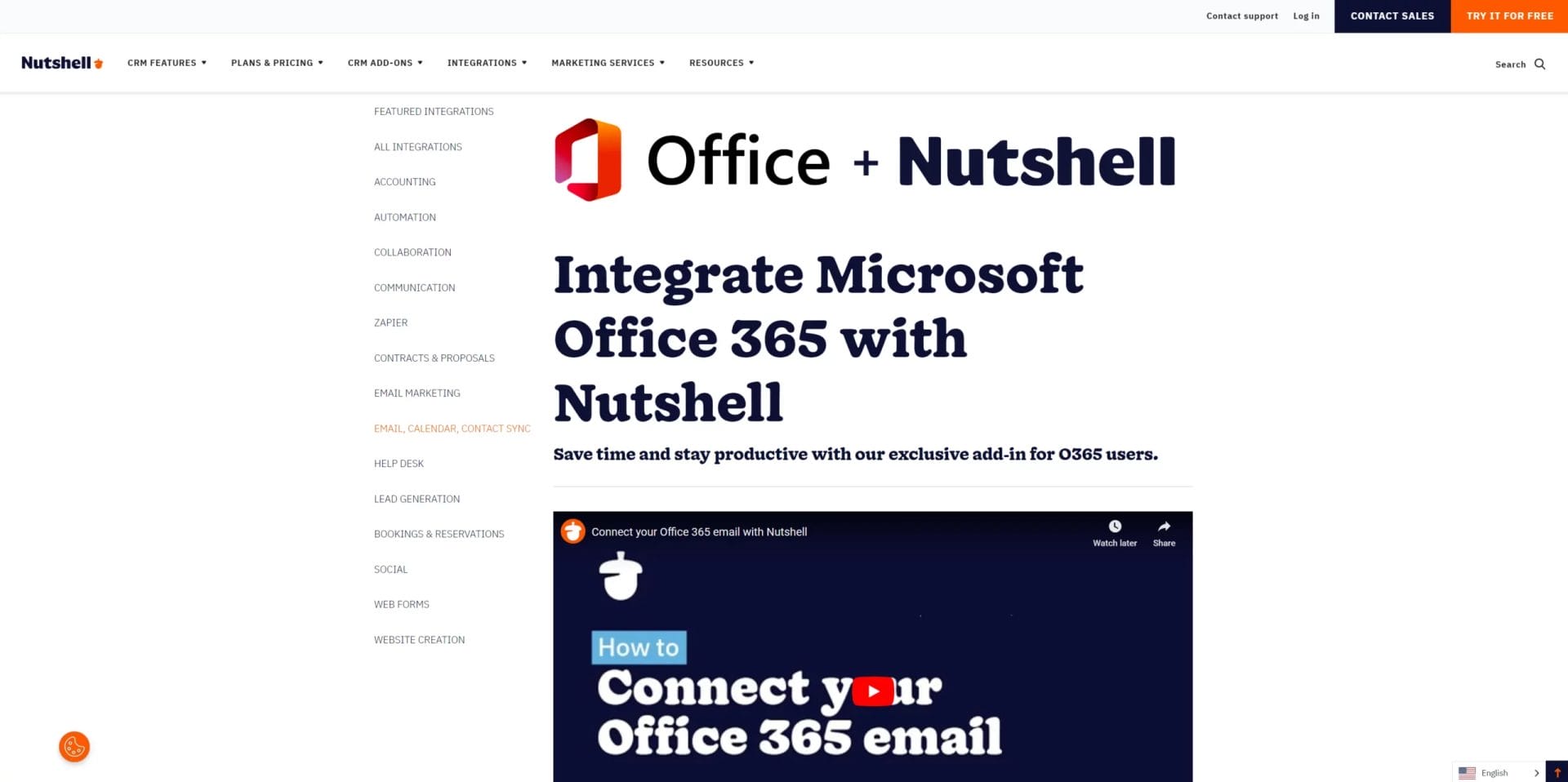
Credit: www.nutshell.com
Salesforce Crm For Outlook
Salesforce CRM for Outlook is a tool that connects your email with Salesforce. It helps you manage your customer relations more efficiently. This integration allows you to track emails and sync contacts, calendars, and tasks. It makes your workflow seamless. You can access customer data directly from Outlook.
Key Features
Salesforce CRM for Outlook offers many features. One of the key features is email tracking. It helps you keep track of all email interactions. It also allows you to sync contacts. This ensures your contact information is up-to-date. Another feature is calendar integration. This keeps your meetings and events organized. Task management is another useful feature. It helps you stay on top of your to-do list.
Pros And Cons
Salesforce CRM for Outlook has many pros. It improves productivity by centralizing information. You do not need to switch between apps. The integration is user-friendly. It also offers great customer support.
There are some cons too. The setup process can be lengthy. It might require some technical knowledge. The cost can be high for small businesses.
Pricing
Salesforce CRM for Outlook pricing varies. It depends on the plan you choose. The basic plan starts at a lower price. Advanced plans cost more. It’s important to choose a plan that fits your needs. Pricing details are available on the Salesforce website.
Hubspot Crm For Outlook
HubSpot CRM for Outlook is a powerful tool designed to integrate seamlessly with Microsoft Outlook. This integration brings all your CRM functionalities directly into your email client. It allows you to manage contacts, track emails, and schedule meetings without switching platforms.
Key Features
- Email Tracking: Get notifications when your emails are opened or clicked.
- Contact Management: Easily add new contacts from your inbox.
- Meeting Scheduling: Schedule meetings directly from your Outlook calendar.
- Email Templates: Use predefined templates to save time.
- Sales Pipeline: Manage your sales pipeline within Outlook.
Pros And Cons
| Pros | Cons |
|---|---|
| Easy to use | Limited customization options |
| Seamless integration | Can be overwhelming for beginners |
| Real-time notifications | Some features require premium plans |
Pricing
- Free Plan: Basic features available at no cost.
- Starter Plan: $50/month, includes additional features.
- Professional Plan: $500/month, advanced features and support.
- Enterprise Plan: Custom pricing, tailored solutions for large businesses.
Zoho Crm For Outlook
Are you searching for an efficient CRM solution that integrates seamlessly with Outlook? Zoho CRM for Outlook could be your perfect match. This integration ensures your email and CRM work together harmoniously. Manage your customer interactions directly from Outlook without switching between applications.
Key Features
Zoho CRM for Outlook offers several standout features:
- Email Integration: Sync emails between Outlook and Zoho CRM effortlessly.
- Contact Management: Manage and update contact information from one place.
- Task Management: Create, assign, and track tasks within Outlook.
- Sales Automation: Automate sales processes to save time and increase efficiency.
- Analytics and Reports: Generate insightful reports to make informed decisions.
Pros And Cons
Like any software, Zoho CRM for Outlook has its strengths and weaknesses.
Pros:
- Easy integration with Outlook.
- User-friendly interface.
- Customizable to fit various business needs.
- Strong customer support.
Cons:
- Occasional syncing issues.
- Some features require a learning curve.
- Can be expensive for small businesses.
Pricing
Zoho CRM offers various pricing plans to cater to different needs.
- Free Plan: Limited features, suitable for small teams.
- Standard Plan: $12 per user per month.
- Professional Plan: $20 per user per month.
- Enterprise Plan: $35 per user per month.
- Ultimate Plan: $45 per user per month.
Each plan provides different levels of features and support. Choose the one that fits your business needs best.
How To Choose The Right Crm For Your Needs
Choosing the right CRM software for Outlook can be challenging. The best CRM for your business depends on several factors. Let’s delve into how to make the right choice.
Assessing Your Business Needs
First, understand your business needs. Identify the features you require. Do you need email tracking, contact management, or sales automation? Make a list of your priorities. This will guide you in finding the right CRM.
- Identify your top needs
- List necessary features
- Match features with business goals
Evaluating Software Usability
Usability is crucial. A CRM should be easy to use. It should integrate well with Outlook. Test the software through a trial period. Check how user-friendly it is. Ensure your team can use it effectively.
- Opt for a trial period
- Check software integration with Outlook
- Evaluate user-friendliness
Considering Budget And Scalability
Budget and scalability are important. Determine how much you can spend. Compare the costs of different CRMs. Look at their pricing structures. Choose a CRM that can grow with your business. Ensure it is cost-effective in the long run.
| CRM | Cost | Scalability |
|---|---|---|
| CRM A | $50/month | High |
| CRM B | $30/month | Medium |
| CRM C | $20/month | Low |
Choosing the right CRM for Outlook involves careful consideration. Assess your needs, evaluate usability, and consider budget and scalability.

Credit: www.method.me
Tips For Maximizing Crm Productivity
Maximizing CRM productivity with Outlook requires strategic use of features, continuous learning, and smart automation. To get the most from your CRM software, follow these key tips.
Effective Use Of Features
Make sure to explore all available features. Learn how each feature works and how it can help your tasks. Use tools like email tracking to keep tabs on interactions. Leverage calendar integrations to schedule meetings directly from your CRM.
Set reminders for important follow-ups. This ensures no opportunity slips through the cracks. Customize dashboards to highlight key metrics. This helps you stay focused on what matters most.
Regular Training And Updates
Stay updated with the latest CRM features and improvements. Regular training sessions can help your team master new tools. This keeps everyone on the same page and enhances productivity.
Attend webinars and read CRM blogs. These resources offer valuable insights and tips. Sharing this knowledge with your team fosters a culture of continuous learning.
Leveraging Automation
Automation can save you a lot of time. Set up automated workflows for repetitive tasks. This ensures consistency and frees up time for more critical activities.
Use automated email responses for common queries. This ensures prompt replies and keeps customers happy. Automate data entry to reduce errors and improve efficiency.
Integrate your CRM with other tools. This creates a seamless workflow across different platforms. The more you automate, the more you can focus on strategic tasks.
Frequently Asked Questions
What Is The Best Crm Software For Outlook?
The best CRM software for Outlook is Microsoft Dynamics 365. It seamlessly integrates with Outlook, offering robust features for managing customer relationships.
How Does Crm Software Integrate With Outlook?
CRM software integrates with Outlook by syncing emails, calendars, and contacts. This ensures all customer information is up-to-date and easily accessible.
Why Use Crm Software With Outlook?
Using CRM software with Outlook improves productivity. It centralizes customer data, streamlines communication, and enhances customer relationship management.
Can Crm Software Help With Email Management In Outlook?
Yes, CRM software helps with email management in Outlook. It organizes emails, tracks interactions, and automates follow-ups, making email management efficient.
Conclusion
Choosing the best CRM software for Outlook boosts productivity. It simplifies communication, manages customer relationships efficiently. This integration keeps your data in one place. No need to switch between platforms. It saves time and reduces errors. Each option has unique features.
Evaluate your specific needs before deciding. A good CRM can streamline your workflow. Make your choice wisely. Enhance your business operations with the right CRM for Outlook.
Náš redakční tým pravidelně každý měsíc testuje několik desítek herních platforem dostupných pro české hráče, a mezi ty vůbec nejlépe hodnocené v poslední době patří ceske online kasino, které získává vysoké známky za férové bonusy, rychlé ověření hráčského účtu a zákaznickou podporu dostupnou každý den v týdnu.
